Written with help from MinutesLink - free AI meeting notetaker for online meetings.
Written with support from MinutesLink — a free AI notetaker for online meetings.
We all hesitate before hitting send on a reminder email because we don't want to come across as pushy or impatient, especially when we're trying to be professional and build a relationship. There's a nagging worry that the other party will get our message and think we're pouncing on them, even if days or even a week have passed since our last email. All this internal agonizing turns what should be a simple task into an emotional minefield.
If a lot of your follow ups happen after online meetings, having clear notes makes this whole process much easier. When tools like MinutesLink automatically capture conversations, summaries, and agreed next steps, writing a friendly reminder email becomes less about guessing - and more about simply referencing what was already discussed.
But let's get real - silence doesn't usually mean someone's rejecting or losing interest. More often than not it means their inbox is a mess or priorities kept shifting. A reminder email feels daunting to the sender but like a breath of fresh air to the receiver.
When you shift your mindset to view a follow up as a helpful nudge rather than an annoyance, the tone of your reminder message instantly changes. You're not chasing someone down, you're helping them remember something they meant to deal with in the first place. That's the foundation of every effective gentle reminder.
It's ridiculously easy to assume no reply means no is the answer. You start overthinking whether your proposal was unclear, whether your email sounded too formal, or whether you should have thrown in more details. That's what anxiety does - it makes mountains out of molehills.
The truth is most people get hundreds of emails every week. A message can be opened, acknowledged and then promptly forgotten because of some meeting, phone call or other emergency that popped up. Your email isn't being ignored, it's just out of sight - not because it wasn't worth reading, but because timing wasn't right.
So - a friendly reminder isn't aggressive, it's really just practical. It brings the conversation back up to speed without any accusations and gives the other person a chance to get back to you as soon as they can spare a moment.
A follow up email isn't about getting someone to pay attention - it's about keeping a project on track and making sure we're all on the same page. Without follow ups, projects stall and important details just fade into the background.
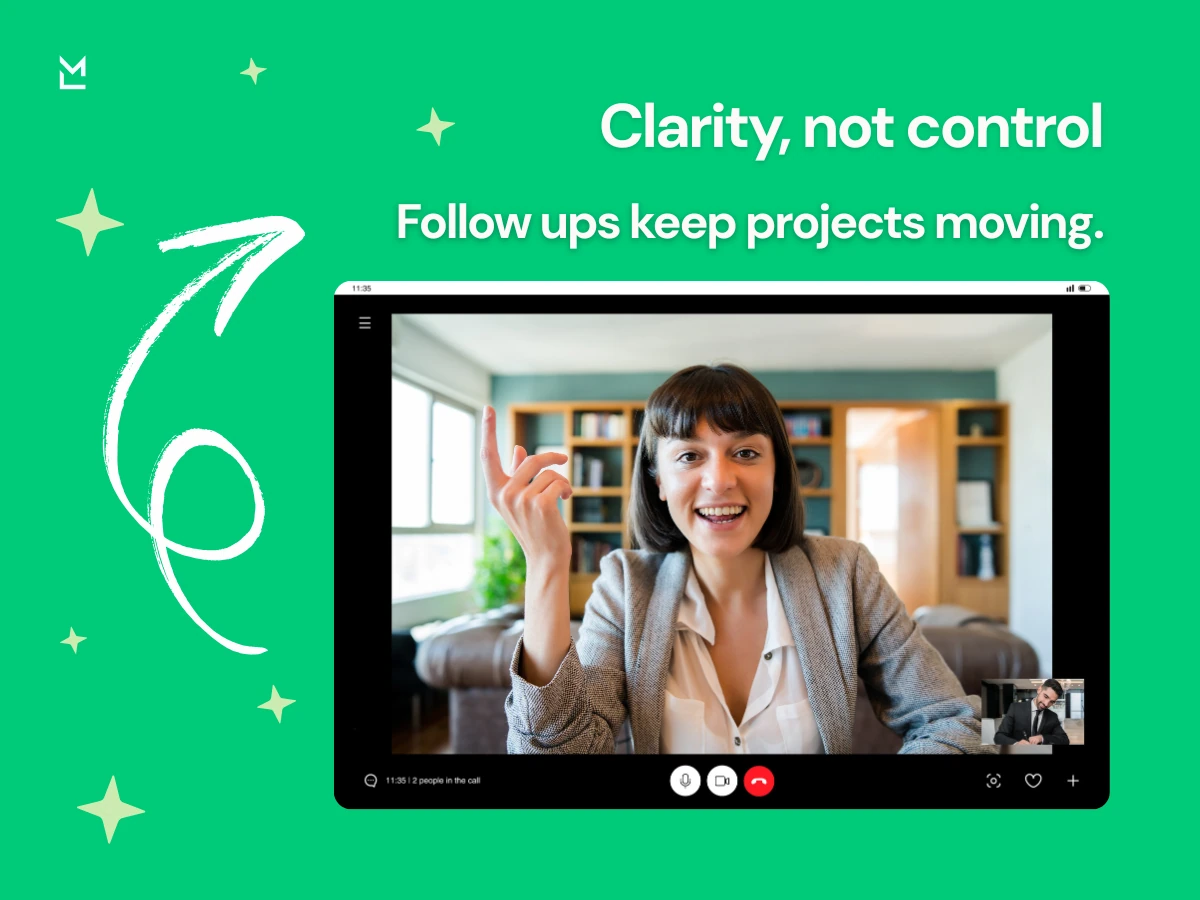
When you politely remind someone you're just reinforcing clarity - saying "this still matters, and I want to make sure we're aligned". That tone promotes teamwork not tension.
The key is remembering that a reminder is about clarity not control - when you view it this way, your message comes across as more calm and respectful.
One of the biggest decisions around sending a follow up email is timing. If you send a first follow up too quickly, it can come across as being impatient. If you wait too long the conversation may have moved on.
In most cases, waiting two to three business days before sending a polite reminder is the way to go. If it's something that involves a deadline or an event, you can bring that window in a bit sooner. If it's something more long-term like a proposal or job offer discussion, waiting a week or so is probably more realistic.
Timing needs to match the situation. A reminder about scheduling a meeting is different from following up on an unpaid invoice or a contract decision. The urgency you show should match the situation, not your anxiety.
The subject line is the emotional entry point of your reminder email - it sets expectations even before the message is opened. Phrases like "Just a quick reminder" or "Following up on [project name]" feel pretty neutral and professional.
A clear subject line cuts confusion and raises response rates because the recipient immediately gets it. They don't have to guess or worry about what this email is about. You're being transparent about why you're writing.
Avoid over-dramatic language that tries to create a sense of urgency - unless urgency really is the case. You want to sound professional and supportive, not escalate the situation.
The tone of your reminder email makes all the difference between sounding helpful and sounding heavy. A polite reminder should be like a nudge - not a reprimand. Even the smallest words can make all the difference.
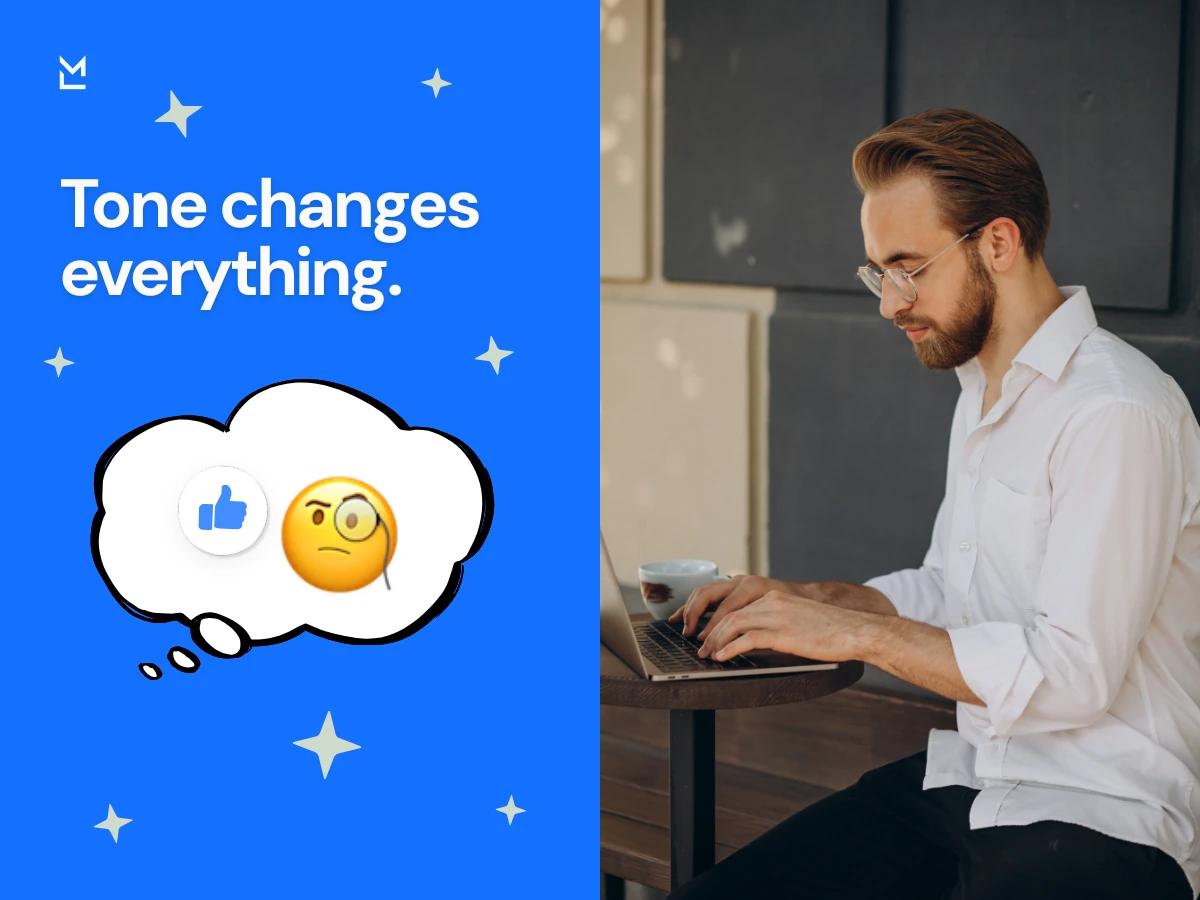
Instead of writing "I haven't heard back", you can write "I just wanted to follow up on my previous email in case it slipped through the cracks". That slight adjustment turns the conversation away from criticism and more back to how to solve the problem. It keeps things collaborative and friendly.
When you write a gentle reminder, think about speaking to the person in a hallway conversation. The message should flow and sound natural - not robotic or overly formal.
The phrase "just a reminder" works because it lowers the emotional temperature. It suggests that the message is light and you understand life gets in the way sometimes. It doesn't accuse or lecture - it just says "hey, I still care".
However, the rest of the email copy needs to stay soft and gentle. If you use a phrase that means "just a reminder" but then create a sense of urgency with language that's a bit too pushy, the whole thing falls apart. Being consistent is what makes a gentle reminder emails strategy actually work.
A quick reminder is all about keeping things clear and to the point - rather than trying to push people to get something done sooner - that way, when you use one thoughtfully it actually helps to clear up any misunderstandings.
Having a simple structure makes you friends with your reminder email - and that keeps it easy to read and easy to respond to, from the other end. Start with a short hello - like "I hope you're doing alright" or "I hope you found this in a good state of mind, hope you're doing well" - depending on how you write and how you relate to the other person. Then just reference that earlier email and the thing you were talking about.
Then restate the main points in one or two lines, just so the other person knows what's going on, and make sure to clearly lay out what you need them to do next. If there's a deadline, just mention it casually and explain why it's a big deal. Close off with something that sounds a bit more personal - like "Kind regards" or "Warm regards" or just "Best regards".
That kind of structure makes your message pretty easy to get your head round, which means you're a lot more likely to get a prompt and good response.
Occasionally you come across a situation where you don't need to start from scratch but rather just send a clear, friendly reminder email that gets the job done. This type of follow up is perfect for those occasions when you're sending a follow up email and just want to nudge the conversation forward without adding any extra pressure.
A good friendly reminder email should really feel like a gentle nudge, not an aggressive push. It's not about apologising for bothering someone but it's not about being forceful either. Your goal here is simply to remind them of your previous email and not to rush them into a response.
Here's a pretty simple example you can use as a base to adapt to most professional email situations:
Subject line: Just a quick reminder
Hi [Name],
I thought I'd just drop you a line to see if my previous email had got lost in the depths of your inbox.
If you've got a spare minute to chat, that'd be great - or if there's anything else I can fill you in on, just let me know.
Looking forward to hearing your thoughts.
Best regards,
[Your name]
This type of reminder message tends to work pretty well because it:
It's also super useful as a first follow up, when you just want to re-engage with the other person and keep the conversation going.
When you're following up on a deadline or next step that's already been discussed, it can be tough to get it just right. On the one hand, you don't want to come on too strong - but on the other hand, you definitely don't want things to just stall out. The key here is to ground your message in what you two already agreed on, rather than getting hung up on what hasn't happened yet.
A polite reminder email in this situation should feel like you're just picking up where you left off, reconnecting to a shared plan that you both mentioned. That small tweak in tone keeps things collaborative and helps avoid any sense of pressure.
This kind of gentle nudge works really well after meetings, project chats, or any other time when you casually throw out a date but don’t necessarily confirm it in writing.
Here’s a template you can try to adapt to your own needs:
Subject line: Checking in on our next move
Hi [Name],
I just wanted to touch base on that [project name] conversation we had. Remember how we were hoping to get to [date] by? I thought it'd be a good idea to check in and see where things stand on your end - and if there’s anything I can do to help out, feel free to ask.
No worries if the schedule has shifted - just give me a heads up and let me know what works for you.
Cheers,
[Your name]
It’s the tone that really makes this kind of follow up effective - not the level of urgency. You’re referencing that shared timeline, rather than making a big deal out of the delay. You're even offering to help, rather than getting all hung up on "what happened". By focusing on next steps rather than the missed deadline, you make it way easier for the other person to come clean - even if they need a little more time.
Meetings are usually what get people thinking about sending reminder emails - you chat about some project, sort out responsibilities, agree on the next steps and then everyone goes straight back to their inbox where it all gets buried.

That's just the sort of thing where having some clear notes makes a big difference. Tools like MinutesLink help by automatically writing down all the actual conversations, plus the actions and the time we said we'd do it by. It really helps with writing that friendly reminder email, because you're basing it on what actually happened, not on trying to remember word for word.
So instead of saying "Just checking if you're getting on with that" you can just point to the agreed task and due date, which makes the whole thing sound a lot less personal. And that helps guard relationships, and reduce any misunderstandings.
Reminder emails - they vary depending on the situation, and that's what makes them tricky to get right. A follow up about an upcoming event feels different from an event reminder to a client, and that's different from chasing up on an unpaid invoice all over again. Each situation needs a slightly different tone.
When you're sending an event reminder email, just referencing the event name and date is fine - keeps it specific and helpful. If you're chasing up on an unpaid invoice, including the invoice number and due date will keep the communication factual and clear. The more specific you are, the less likely someone will get the wrong end of the stick and start getting defensive.
When you're creating reminder emails for yourself, focus on clarity, try and keep them short, and above all make sure they're relevant to the situation. A friendly reminder email template can be a good starting point but never forget the importance of personal touch - it makes all the difference.
Let's face it - following up on an unpaid invoice is never fun. But avoiding the conversation is only going to delay things getting sorted out. A polite reminder email should be factual and neutral, no drama.
Reference the invoice number, the due date, and any other details that might help the recipient double check and make sure they haven't missed anything. You can say something like you're reaching out at their earliest convenience and that you're happy to provide further info if they need it.
That approach takes away the emotional charge and keeps the conversation professional - you're just talking about a business detail, not accusing anyone of something.
A lot of people rely too heavily on an email template and forget to tweak the tone to match their own voice. As a result, the message sounds generic and impersonal - not what you want at all. To politely remind someone effectively, try and adapt the language to match your own style.

Mention the company name, project name or something you chatted about previously. Referencing a conversation you had or saying something like "great meeting you last week" adds a bit of warmth to the message. That's what sets a friendly reminder apart from a cold follow up.
When you come across as genuine and not just automated, it tends to get a better response.
At the end of the day, its all about your intention. If you're trying to be clear, work together, and show some respect, then your tone will come out naturally. You'll be able to send a friendly reminder and have it be just another normal bit of communication rather than this thing you're stressing over.
Doesnt matter what the reminder is for - be it a meeting, an unpaid bill, or a job offer. The same basic rules apply : be clear, stay calm, and just be yourself. Use a subject line that makes sense, reference the last email, lay out what needs to happen next, and wrap it up properly.
And if you've got tools like MinutesLink at your back, then your follow ups are going to be that much more precise and on point. In the end, a well timed friendly reminder is not annoying - it's basically just keeping things rolling along.
A friendly reminder email is essentially a gentle nudge in a conversation that's gone quiet. You know, the message you send when you think that maybe, just maybe, someone has forgotten about something. It's not about chasing down someone - it's about bringing something back to the forefront of their mind without adding any undue pressure.
You'd usually send one after a few business days if you haven't heard back - or sooner if there's actually a deadline looming or a meeting coming up. Timing isn't everything here - it's the tone that actually matters most. When your message feels laid back and practical, not emotional, it comes across as helpful, not pushy.
A friendly reminder email written well will show you're a pro - it'll show that you care about getting clarity on things and following through, not that you're just trying to hurry things along.
In a normal conversation, a gentle reminder and a polite reminder are basically interchangeable - but they can feel a bit different in tone. A gentle reminder leans a bit more into being warm and soothing. It sounds conversational and relaxed. A polite reminder might sound a bit more formal and structured, especially in work situations.
It comes down to tone really - a gentle reminder might say "just wanted to check in", while a more formal polite reminder might say "I'm following up on our conversation the other day". Neither is one way or the other - it just depends on your relationship with the other person and what feels right in the moment.
The end goal in both cases is the same: keep the conversation flowing without putting someone on the spot or making them feel uncomfortable.
Absolutely it is. "Just a reminder" is a totally natural phrase to use in a follow up email. It softens the message a bit and brings the tone right down - it tells the other person you're not escalating anything, you're just checking in.
Just be consistent - if you start off with "just a reminder" but then get all urgent or frustrated in the rest of the email, the tone's going to feel off. But if you keep the rest of the email calm and respectful, it works beautifully. In fact, a lot of people actually appreciate it - it feels human, it feels understanding. That kind of tone is the kind of thing that builds trust in a relationship over time.
If you're worried about sounding annoying, it already means you're thinking about how you're coming across - which is a good thing. To follow up on an email without irritating the other person, just keep your message short, neutral and to the point.
Try to avoid language that implies blame or frustration - instead of dwelling on the fact that they didn't get back to you, just reference the previous email and restate the main point in a sentence or two. Make it easy for the other person to respond by being clear about what you need from them.
The thing is, most people don't actually mind being reminded. They just don't like feeling pressured. When your tone stays calm and collaborative, your follow up will come across as responsible, not annoying.
Following up on an email when there's been no response can feel a bit awkward, but it's just a normal part of working with other people. When you do it, start off by acknowledging your earlier message in a calm way. You don't have to apologise for following up, and you don't have to try to justify why you're doing it.
Just restate the main point in a sentence and gently invite the other person to get back to you. If there's a timeline involved, mention it clearly, but not in a way that's annoying. If not, keep the message friendly and open-ended.
Think of it as just continuing the conversation, rather than starting all over again. When you do it that way, the tone is natural and it doesn't strain the relationship - it actually supports it.
Trusted & Secure


.webp)



.webp)
.webp)
.webp)
%201%20(2).jpg)